

Treating your passport like any other thing in your bag is the single biggest travel mistake you can make.
Lose it and you’ll face roughly 48 hours of embassy forms, police reports, and plans totally derailed.
Time, money, and calm gone fast.
This guide gives simple, decision-ready methods: where to keep it on your body, safe hotel and cruise storage, quick physical protections against water and tearing, and the exact digital backup steps pros use so you can fix problems fast and get back on your trip.
Essential Strategies for Passport Protection During Travel
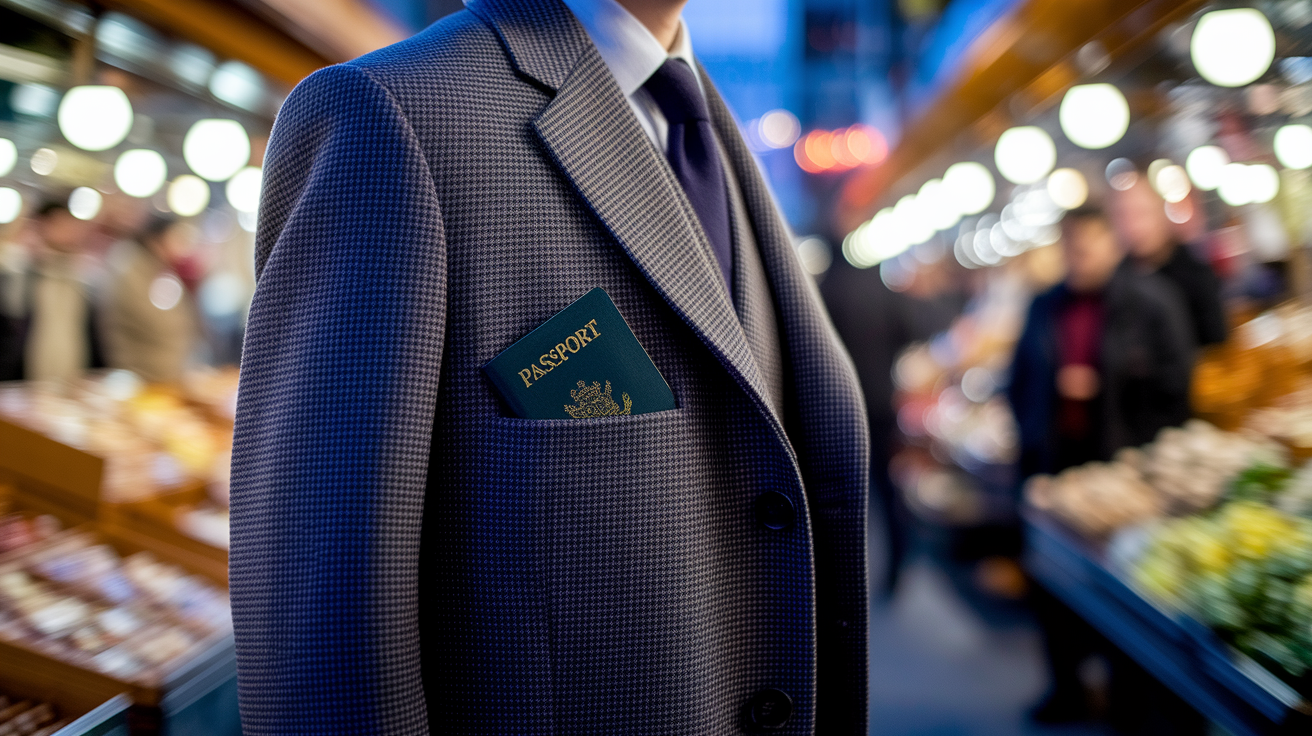
Your passport faces three main threats when you’re traveling: getting stolen in crowds, losing it during transit chaos, or leaving it exposed in busy spots like train stations or markets. Lose it and you’re looking at roughly 48 hours of embassy paperwork, police reports, and completely derailed plans. Time you definitely didn’t budget for. Most passport disasters happen because people treat it like any other thing in their bag instead of the one document that controls whether you can check in, board a plane, or get home.
The carrying rule couldn’t be simpler: keep it on your body, hidden, anytime you’re out. In your hotel room or cruise cabin? Use the safe. When you’re moving around? Tuck it in a front pocket, an under-clothing pouch, or a hidden compartment where nobody can spot it or snatch it fast. Don’t flash it in public unless someone official actually needs to see it.
- Check that your passport’s valid for at least six months past your return date. A lot of countries won’t let you in without that buffer.
- Store it in the hotel safe or cruise safe on days you’re not carrying it.
- Slip it into a waterproof cover or protective sleeve so spills, sweat, and weather can’t wreck it.
- Keep one printed copy and one encrypted digital version stored separately from the original. Speeds things up at the embassy if something goes sideways.
Physical Passport Security Methods for Travel
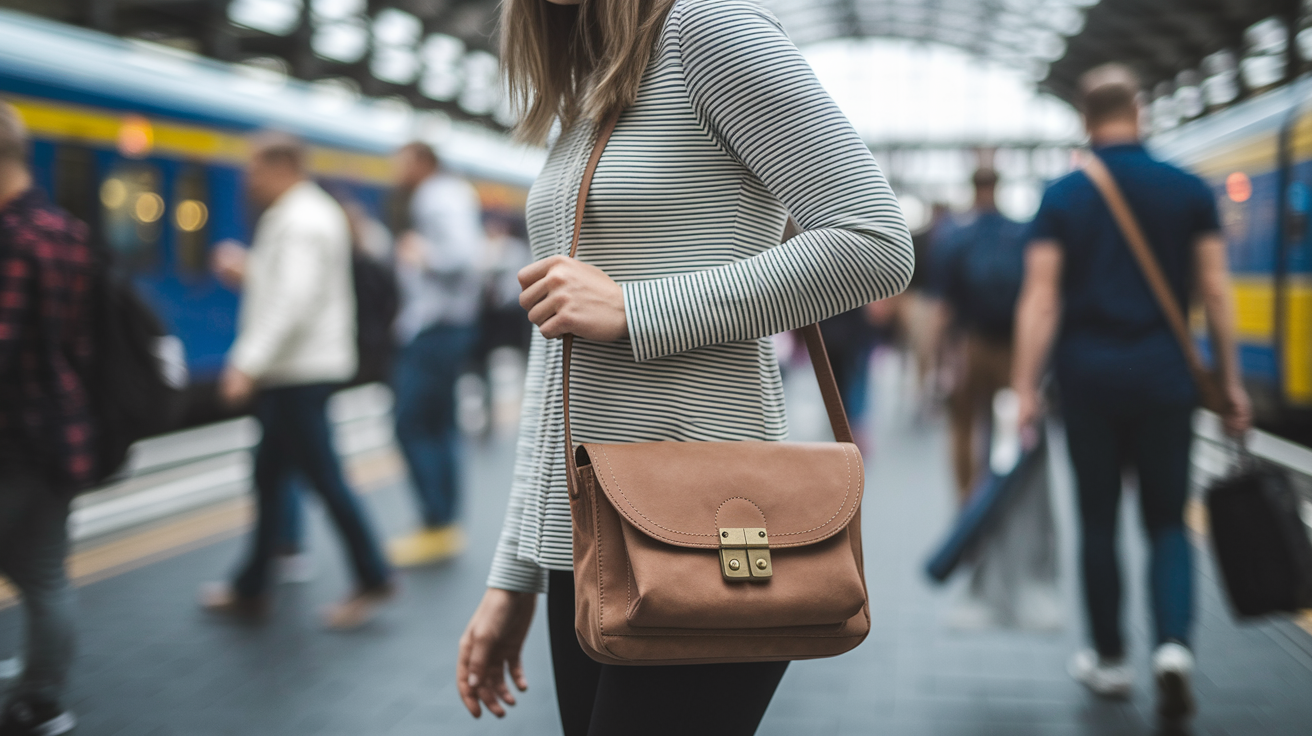
Physical security means putting your passport somewhere thieves can’t see it, grab it, or pull it without you noticing. Opportunistic theft happens in seconds. A hand slips into an open backpack, someone bumps you in a crowd, or you leave your bag on a chair while ordering coffee. Concealment kills the opportunity. If they don’t know you’ve got it, they won’t try for it.
Best on-body strategies focus on front access and layers. Front pockets are way harder to pick than back ones. Under-clothing pouches sit flat against your torso, invisible and out of reach. Anti-theft bags with locking zippers and slash-proof fabric slow thieves down enough that they just move on. Money belts work too, but only if you never pull them out in public. Treat them like underwear.
- Anti-theft backpack or crossbody bag – Get one with locking zippers and a hidden passport pocket. Wear it on your front in crowds so you can see it and feel it.
- Under-clothing neck pouch – Hangs inside your shirt, invisible and hands-free. Perfect for long travel days when you’re bouncing between airports, stations, or packed streets.
- Money belt – Sits flat under your waistband. Only works if you don’t dig it out every time you need cash or a card.
- Hidden jacket or vest pockets – Interior zippered pockets sewn into travel jackets keep things secure and reachable without exposing them. Great in cooler weather.
- Lockable luggage compartment – Throw a small luggage lock or carabiner on your bag zippers when your passport’s inside. It’s a visible deterrent that buys you seconds to notice tampering.
Storage Guidance for Hotels, Hostels, Cruise Ships, and Day Trips
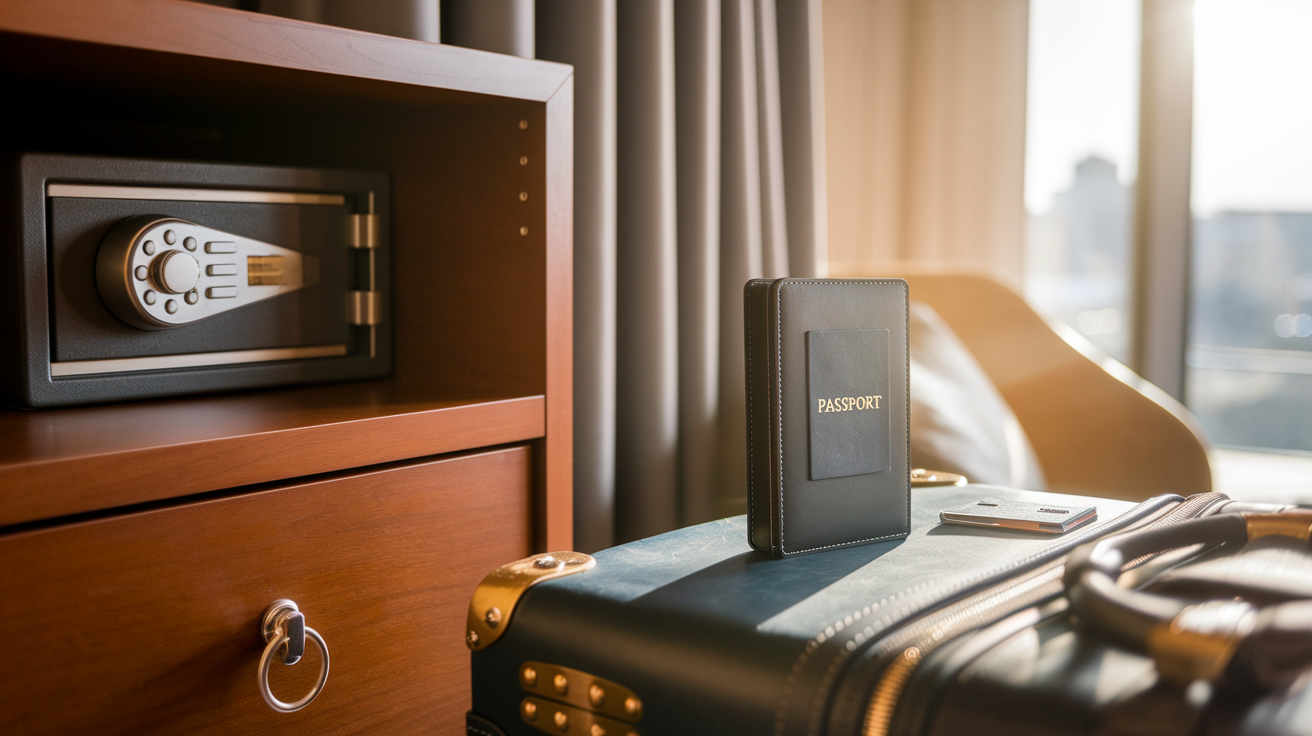
Leave your passport in the hotel safe on any day you won’t need it for official stuff like visa appointments, border crossings, or currency exchange. Most hotels and all cruise ships have in-room safes or front-desk options. If you’re just wandering around, eating, or sightseeing, your driver’s license or a photocopy usually covers ID checks. Carrying the original when you don’t need to just adds unnecessary risk.
Hostels need extra attention because you’re sharing space with tons of other travelers. Use the hostel safe if they’ve got one, or lock your passport inside your main bag with a small luggage lock and cable that bag to your bed frame. If neither’s an option, keep it on your body in a concealed pouch and never let it sit on a bunk or nightstand. Shared bathrooms and common areas are high-risk zones.
Cruise ships are pretty secure, but combine the ship safe with a locked suitcase for layered protection. Room safes deter casual theft but aren’t vaults. Housekeeping and maintenance can access them. If your cruise stops at a port and you’re going ashore, figure out in advance whether local authorities will check ID. Most shore excursions don’t need your passport, but some countries require it for entry or getting back on the ship. When you’re not sure, carry it concealed and keep a photocopy locked in your cabin as backup.
Protecting Your Passport from Damage, Weather, and Wear

Water, bending, and ripped pages are the biggest physical threats. A wet passport warps and cracks the data page, making it unreadable at border control. A bent corner or torn visa page makes immigration officers suspicious. Spills happen constantly. Rain, splashed drinks, a leaking water bottle, even sweat on a hot day. Dirt can hide the photo or smudge the machine-readable zone.
Damaged passports trigger extra scrutiny. One traveler’s beat-up passport led to a 90-minute immigration interview because officials couldn’t verify the chip and thought it might be tampered with. Delay nearly caused a missed connection. Even if it’s technically valid, visible damage creates doubt. Officers have to decide whether to wave you through or escalate to a supervisor. You don’t want to be that case.
| Threat Type | Protection Method |
|---|---|
| Water, spills, rain, humidity | Waterproof passport cover or resealable plastic sleeve. Keep it in an interior bag compartment away from bottles |
| Bending, crushing, torn pages | Hard-shell passport case or rigid sleeve. Never fold it or stuff it into a tight pocket |
| Dirt, smudges, ink transfer | Clean, dry storage. Don’t stack it next to pens, markers, or dirty stuff in your bag |
| Extreme heat or cold | Store in a temperature-stable spot. Don’t leave it in a parked car or direct sun for hours |
Smart Digital Backups and Secure Document Copies
Embassies move faster when you can prove who you are. A printed or digital copy of your passport’s data page gives them what they need to verify your identity and issue a replacement. Without it, things slow down while they contact databases back home and cross-check records. Backups also help if you need to prove citizenship for a police report, medical treatment, or emergency travel.
The recommended three-tier backup covers all scenarios. First, make one clean printed photocopy of the passport data page and store it in a different bag or pocket than the original. If one gets lost or stolen, the other survives. Second, leave another printed copy with a trusted friend or family member at home so they can scan and email it to you in an emergency. Third, create an encrypted digital copy and store it securely on your phone and in the cloud. Use the secure-notes feature of a password manager, an encrypted cloud service, or a locked folder protected by a strong password and two-factor authentication. Never email an unencrypted passport scan to yourself or save it in an unprotected photo album.
Digital security matters because passport scans are identity gold. If someone intercepts an unprotected file, they’ve got your full name, date of birth, passport number, and nationality. Enough to attempt fraud or identity theft. Strong passwords and two-factor authentication make it nearly impossible for anyone but you to access the file. If your phone gets lost or stolen, remote-wipe features let you delete the data before someone else opens it. Treat digital passport copies like you’d treat a credit card number or social security document.
How to Create Safe Digital Passport Copies
Scan or photograph the data page in good light with a high-resolution camera so the text stays sharp and readable. Save the file as a PDF rather than a photo. PDFs print and share easier with embassy staff. Store the file inside a password manager’s secure-notes section or upload it to an encrypted cloud service like a locked folder, protected with two-factor authentication. Label the file clearly but not obviously. Something like “Travel Doc 2024” instead of “Passport Scan” so it’s less attractive to anyone scrolling through stolen files. Test the file before you travel by opening it on a different device to confirm it’s readable and accessible.
- Don’t save passport scans where anyone can see them on your phone’s photo roll or desktop.
- Use a unique, strong password for any cloud account holding passport files. At least 12 characters with a mix of letters, numbers, and symbols.
- Turn on two-factor authentication for email, cloud storage, and password manager accounts.
- Keep one backup copy offline on an encrypted USB drive stored separately from your luggage.
- Update digital copies every time you renew your passport or add new visas.
Situational Awareness and Reducing Theft Risk While Moving Around
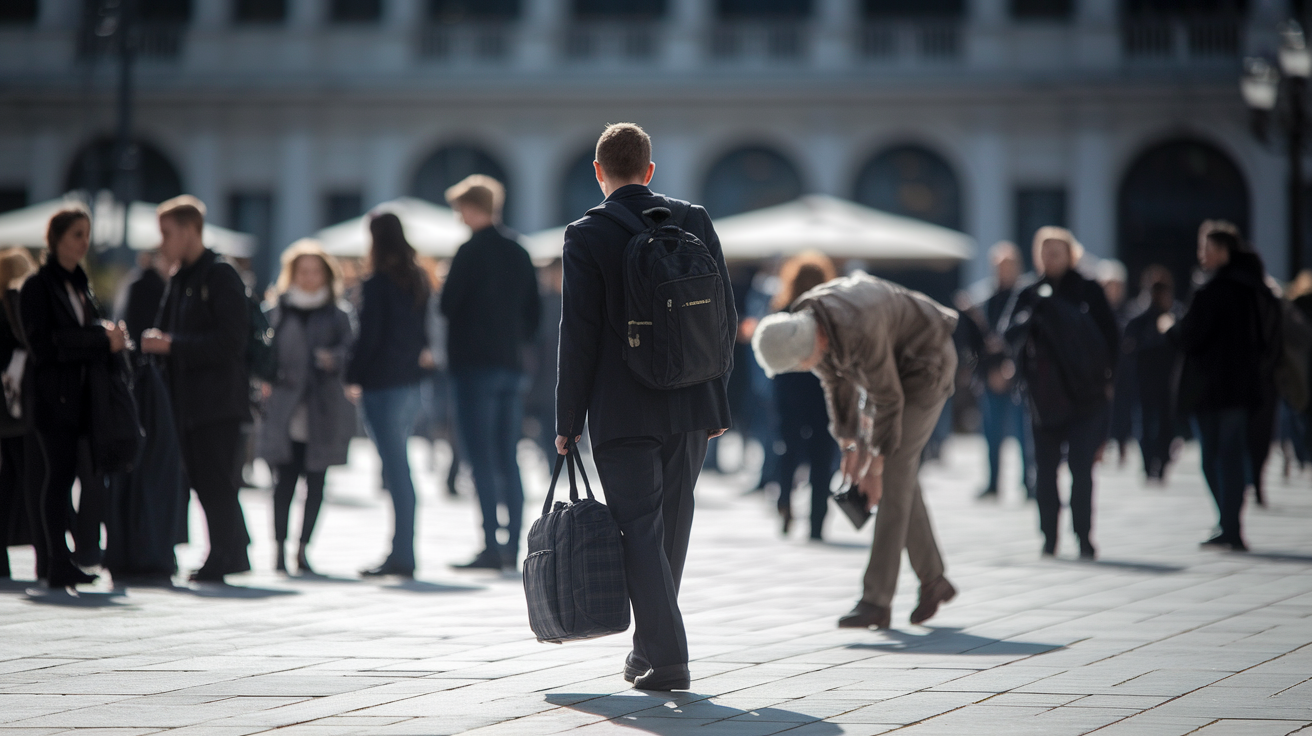
Crowded spots and public transport are where most passport thefts happen. Pickpockets work in teams. One distracts you with a question, a spill, or a staged argument while the other opens your bag or reaches into your pocket. Train stations, metro cars, busy markets, and tourist-packed plazas in cities like Barcelona, Rome, Paris, and Cairo are known hotspots. Thieves look for easy targets: travelers fumbling with maps, bags hanging off one shoulder, phones out and attention split.
Airports and border zones bring different risks. Long security lines, crowded gate areas, and the stress of juggling boarding passes and baggage create moments when travelers set bags down or leave pockets unzipped. Keep your passport in a front pocket or concealed pouch from the moment you leave your hotel until you’re through the final checkpoint. At immigration, take it out only when the officer asks, hand it over, and put it away right after. If you’re waiting at a gate, keep your bag on your lap or between your feet where you can feel it.
- Stay alert when anyone gets unusually close in a crowd. Step back and check your pockets.
- Keep bags zipped and facing forward on buses, trains, and metro cars. Hold them on your lap when seated.
- Never set your bag on the floor or hang it on a chair back in cafes, restaurants, or waiting areas.
- Don’t pull out your passport in public unless you’re handing it to an official. Every time it’s visible, you’re a target.
RFID, Digital Skimming Prevention, and High-Tech Passport Safety
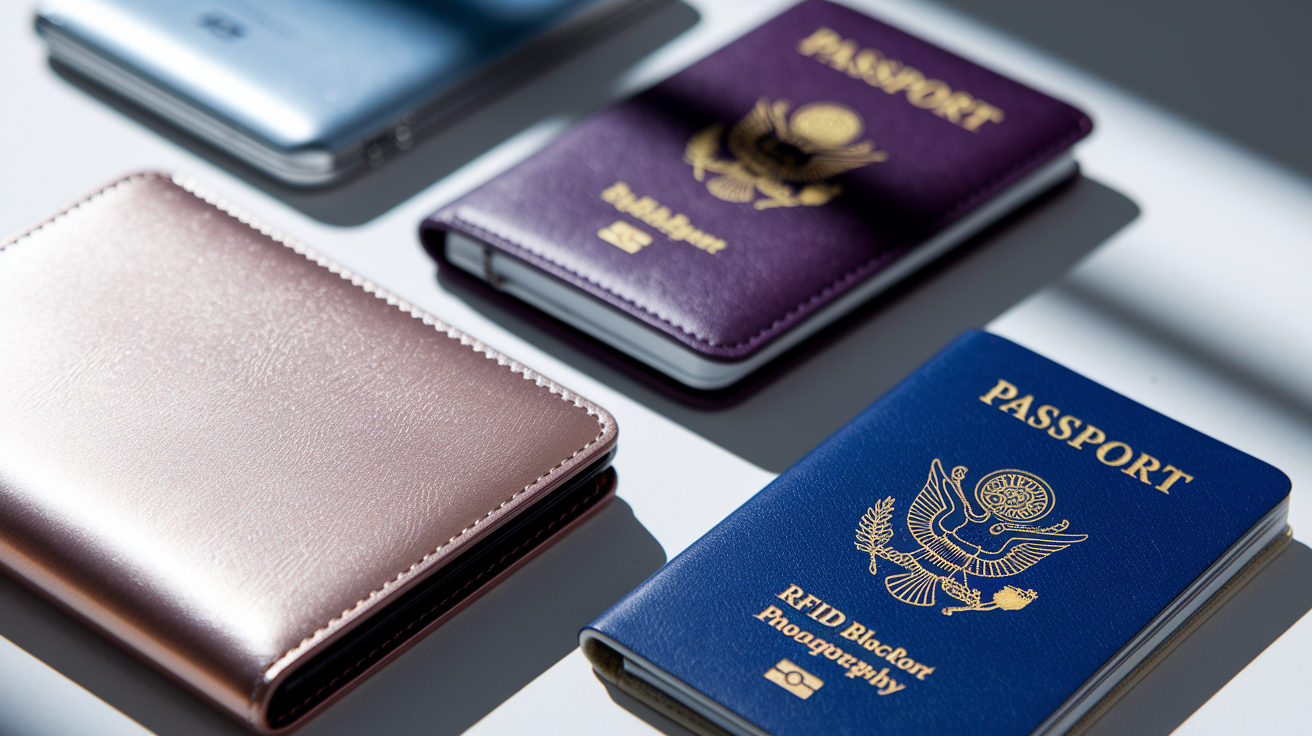
Modern passports have RFID chips storing your name, nationality, date of birth, and passport number. The chip’s designed to be read by official scanners at immigration, but in theory, anyone with an RFID reader can try to scan it from a few inches away. Digital skimming (reading the chip without your knowledge) is harder than credit card skimming because passport chips have encryption, but the risk isn’t zero, especially in tight crowds where someone can get close enough to attempt a scan.
- RFID-blocking passport sleeve – A simple, cheap sleeve with metal lining that blocks radio signals. Slide your passport inside and the chip can’t be read until you remove it.
- RFID-blocking wallet or travel pouch – A larger holder with built-in shielding for your passport, credit cards, and other chipped documents. Keeps everything in one protected place.
- Metal passport case – A hard-shell case made of aluminum or stainless steel that physically blocks RFID signals while also protecting against bending and water.
- RFID-blocking fabric bag or compartment – Some travel bags have dedicated RFID-shielded pockets sewn into the lining. Store your passport there and it stays protected without needing a separate sleeve.
You need RFID protection most in high-density urban environments where you’re shoulder-to-shoulder with strangers. Crowded metro cars, packed festival streets, busy airport terminals. If you’re hiking in rural areas, staying in small towns, or traveling by car, the risk drops close to zero. RFID blocking’s a simple, low-cost layer of defense that costs almost nothing to add, so most travelers use it by default rather than trying to calculate risk day by day.
Emergency Steps if Your Passport Is Lost or Stolen Abroad
Stop moving and retrace your steps right away. Check every pocket, bag compartment, and place you’ve been in the last two hours. Ask at the last restaurant, shop, or transit stop whether anyone turned in a passport. The faster you realize it’s missing, the better your chances of recovering it before someone else grabs it. If you can’t find it within 30 minutes, assume it’s gone and shift to damage control. Secure your other documents (wallet, phone, hotel key) so you don’t lose anything else while you’re distracted.
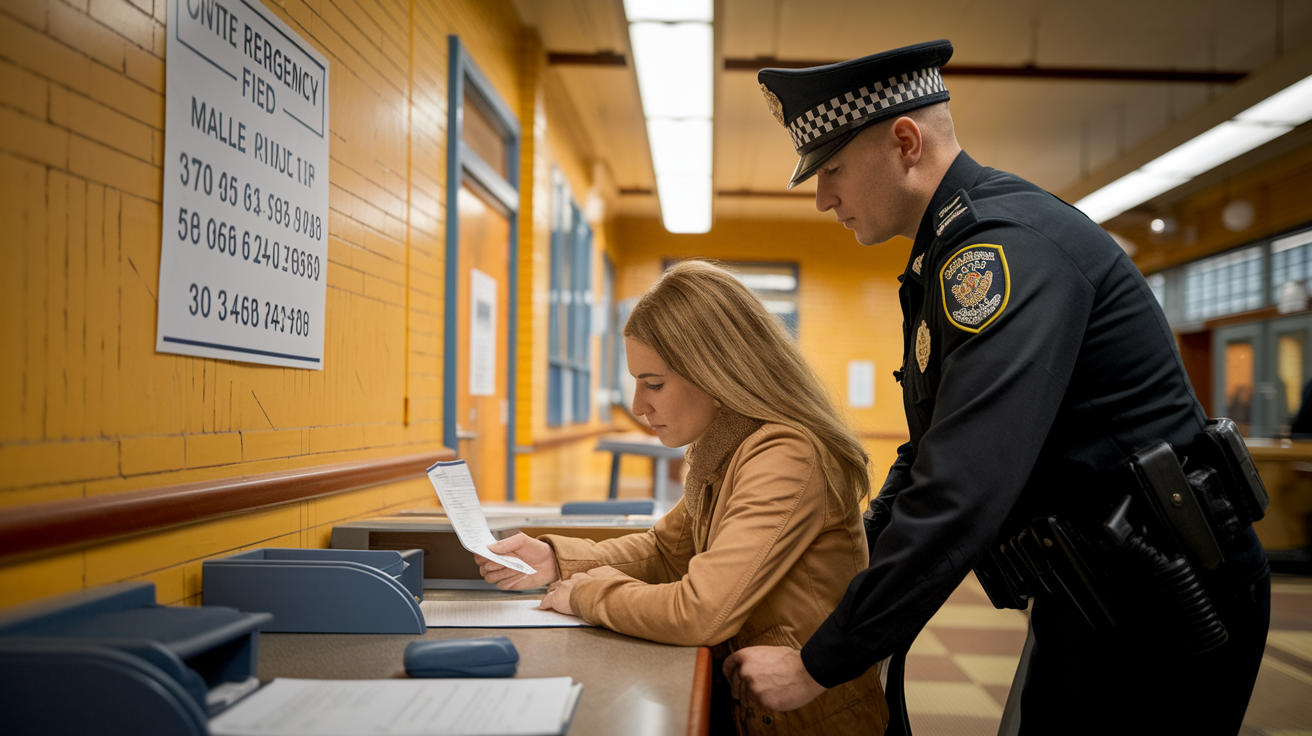
Go to the nearest police station and file a report. You’ll need the police report number to apply for a replacement passport at the embassy or consulate, and it protects you if someone tries to use your lost passport for fraud. Bring your printed or digital copy of your passport’s data page to speed up the report. The police report itself usually takes 15 to 45 minutes. Get a stamped copy before you leave. Some embassies require the physical document, not just the report number.
Contact the nearest U.S. Embassy or Consulate as soon as you’ve got the police report. Call the State Department’s Office of Overseas Citizens Services at 888-407-4747 from the U.S. or Canada, or +1-202-501-4444 from overseas. Embassy staff will walk you through replacement, schedule an appointment, and tell you what documents to bring. Replacement timelines vary. Emergency passports can sometimes be issued the same day if you’ve got a flight, but standard replacements take several business days. Plan for delays and contact your airline or travel insurance to adjust your itinerary if needed. Printed and digital copies of your passport speed everything up because embassy staff can verify your identity faster and pre-fill forms before you arrive.
- Police report (original and copy)
- Printed or digital copy of your lost passport’s data page
- Government-issued photo ID if you have one (driver’s license, military ID)
- Passport-sized photos (check embassy requirements. Some locations have photo services nearby)
- Proof of travel plans (flight confirmation, hotel booking, return ticket)
- Payment (check embassy website for current fees and accepted payment methods: cash, card, or money order)
Passport Safety Gear, Accessories, and What’s Actually Worth Buying
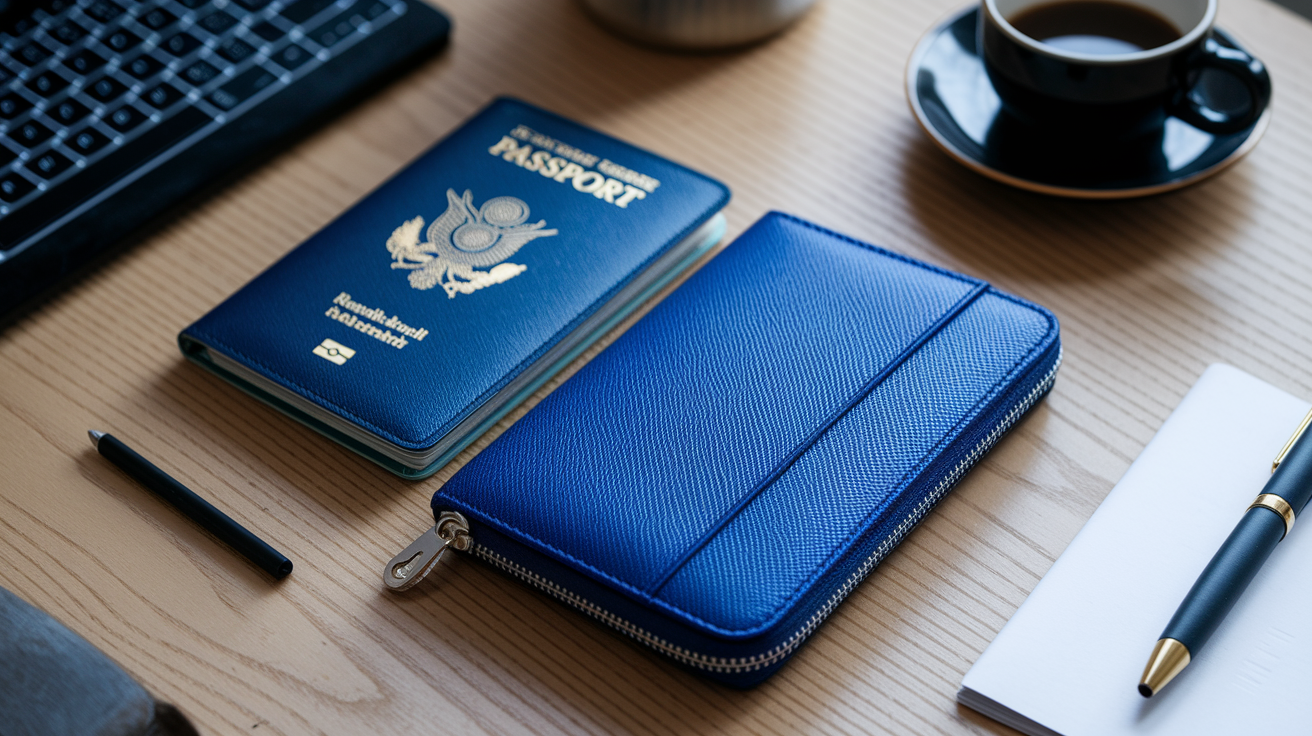
Start with three essentials: a waterproof passport cover to prevent physical damage, an RFID-blocking sleeve to reduce digital-skimming risk, and a concealed pouch or money belt for secure on-body carrying. These three cover the majority of real-world threats and cost less than a single checked bag fee. Beyond that, add accessories based on the specific risks of your trip. Locking zippers for backpacks if you’re traveling through crowded cities, a small travel safe if you’re staying in hostels, or an encrypted USB drive if you’re crossing borders where phone searches are common.
Gear choices depend on how and where you’re moving. Long flights and airport layovers call for quick-access passport holders you can pull from a front pocket without digging through a bag. Day trips in busy cities favor concealed under-clothing pouches that keep your passport invisible and hands-free. Multi-country trips with frequent border crossings benefit from durable, waterproof covers that survive constant handling. If you’re carrying backup credit cards, extra cash, and travel insurance documents, a larger RFID travel wallet keeps everything organized in one protected space.
Choosing Gear Based on Your Travel Style
Minimalists who pack light and move fast should go for slim, multi-function gear. An RFID-blocking sleeve that doubles as a card holder, a neck pouch thin enough to wear under a T-shirt, or a passport cover with a single pocket for a folded bill and one credit card. Solo travelers and backpackers moving through hostels and shared accommodations need lockable storage: a small cable lock for luggage, locking zippers on bags, and a portable travel safe for hotel rooms without built-in security. Families juggling multiple passports benefit from color-coded covers or a dedicated travel wallet with labeled slots so each passport stays with the right person and nothing gets mixed up at check-in. Frequent travelers who cross borders weekly should invest in durable, professional-grade gear that stands up to constant use. Hard-shell cases, reinforced pouches, and high-quality RFID wallets that won’t fall apart after six months of daily handling.
Final Words
On the ground, this guide gives fast, usable steps: core risks, the single safest carrying rule, and smart storage for hotels, hostels, and cruise ships.
You also got practical tools—money belts, neck pouches, waterproof protectors—plus three-tier backups, RFID blocking tips, and exact emergency steps. Remember losing a passport can cost you up to 48 hours of embassy visits and major delays.
One rule to keep: keep it concealed, backed up, and dry. These steps show how to protect your passport while traveling so you can stay calm and keep moving.
FAQ
Q: What is the safest way to carry your passport when traveling?
A: The safest way to carry your passport when traveling is in a secure, concealed spot close to your body, like a front-pocket travel wallet or under-clothes pouch, not a back pocket.
Q: What is the most forgotten item when traveling?
A: The most forgotten item when traveling is chargers (phone or device cables). Rule: pack one in your carry-on and one spare in checked luggage or with a travel power bank for top-ups.
Q: Should I keep my passport in a Ziploc bag and should I keep a copy of my passport on my phone?
A: You should use a waterproof passport sleeve rather than only a Ziploc, and you should keep a digital copy on your phone in encrypted or locked storage, plus a separate physical photocopy at home.