

Think planning a trip has to mean endless tabs and guesswork?
Google Travel bundles Google Flights, Hotels, Explore maps, price tracking, saved trips and AI planning into one synced place.
So you can search, watch prices, and build an itinerary without hunting through email or juggling apps.
In this guide you’ll get the features that save time and money and simple next steps, from finding cheap flights to tracking one hotel rate, so you can book with confidence.
Direct Access and Core Features of Google Travel Tools

Google Travel bundles Google Flights, Hotels, Explore maps, saved itineraries, and AI planning into one place. You can search flights and hotels, track prices, organize bookings, and build custom itineraries without jumping around. Everything syncs to your Google account and stays current on whatever device you’re using.
Flight or hotel searches start right from the top nav. Price tracking shows up once you’ve entered dates and destinations. If you’re signed in, email alerts arrive when fares or rates shift enough to matter. The April 2026 update added individual hotel price tracking globally for English and Spanish speakers, so you can watch one specific property instead of an entire city.
AI Mode trip planning launched in the U.S. and lets you describe a trip in plain language. The Canvas tool returns a custom itinerary with flights, hotels, and attractions plotted on a map. You can refine the plan with follow-up requests, and everything auto-saves to your AI Mode history. Ask Maps taps data from 500 million contributors to answer questions like “campsites with hiking and wildlife” or “sunset photography spots with on-site amenities.” That’s live in the U.S. and India on Android, iOS, and desktop.
Five Google Travel actions you’ll use most:
Flight search: Enter airports and dates, filter by price/stops/bags/emissions, compare fares across airlines and OTAs.
Hotel search: Filter by neighborhood, price, ratings, amenities. Toggle individual hotel price tracking for rate alerts.
Explore map: View cheapest 7-day fares across the next six months. Zoom in to see region-specific deals.
Price tracking: Sign in and toggle “Track prices” to get email alerts when flight or hotel costs change.
Saved trips: Organize all your bookings in one timeline. Gmail booking confirmations parse automatically into your itinerary.
Google Travel Flight Search: How to Use Google Flights Effectively
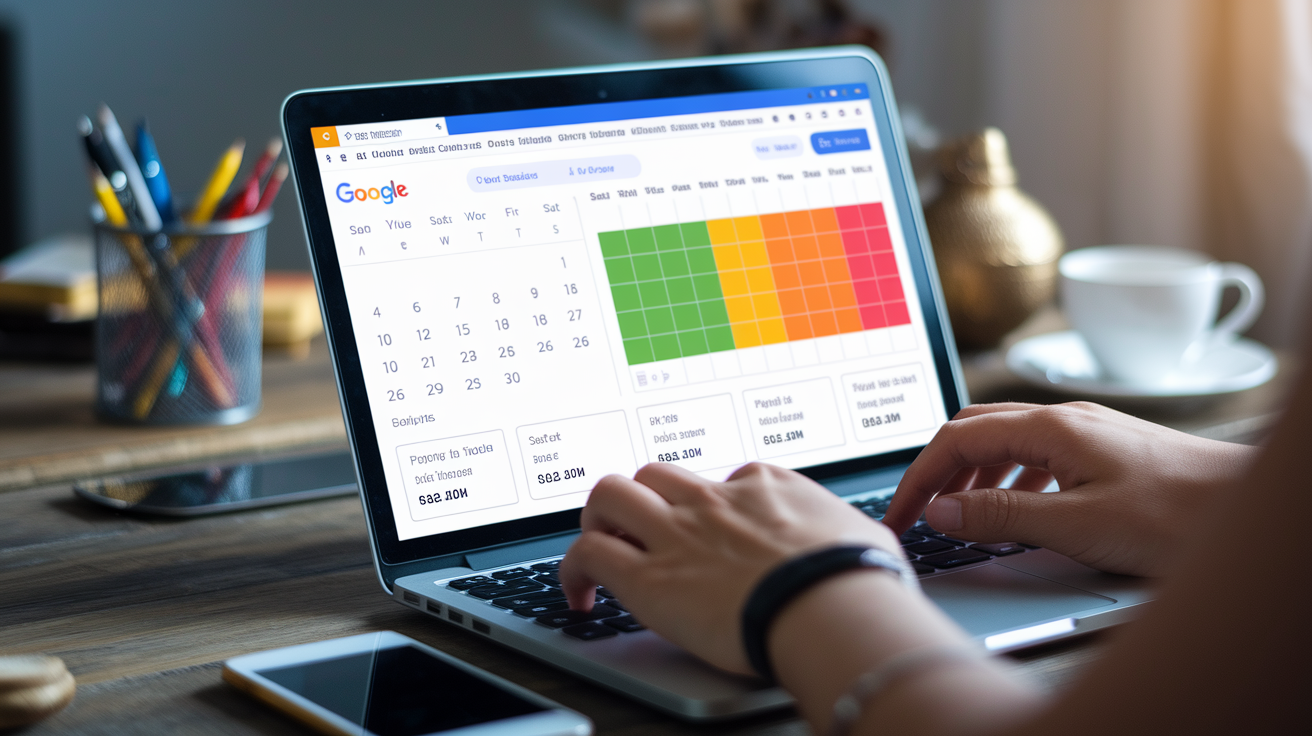
Start a flight search by entering up to seven departure or arrival airports and your travel dates. If your schedule’s flexible, open the calendar to see the cheapest days highlighted in green. The date grid shows fares across different trip lengths, so you can line up the lowest outbound and inbound options. The price graph color-codes fares as Low (green), Typical (yellow), or High (red) and displays historical ranges to help you decide when to book.
Filters narrow results by fare class, baggage allowance, number of stops, airline alliances, layover duration, departure/arrival times, seat amenities, and emissions. The fare-class dropdown now includes “Economy (exclude basic)” to hide basic-economy tickets that often block carry-ons and seat selection. The baggage filter reveals true total cost by adding checked-bag or carry-on fees upfront. A New York to Los Angeles search showed $338 round trip in basic economy versus $377 with carry-on included. That’s a $39 difference that could save you a $50–$65 gate fee later.
Google Flights displays price-prediction suggestions when fares are historically low and may recommend alternate booking dates. A New York to San Francisco October search was flagged $93 cheaper than usual, with a typical range of $245–$415. The “Cheapest” tab shows the lowest cost with potential trade-offs like long layovers or early departures. The “Best” tab balances price and convenience. An Atlanta to Santiago example priced the “Best” direct Delta option over $1,400 versus “Cheapest” options down to $784. Watch for ghost fares that disappear when cached prices sell out. If a fare vanishes, check the airline site immediately and try adjacent dates.
Emissions data appears for every flight. A LAX to Tokyo Narita comparison showed a United Boeing 787 at approximately 734 kg CO2 (lower than average) versus a Singapore Airlines Boeing 777 at approximately 1,163 kg CO2 (higher than average). You can filter for lower-emissions options if that matters to you. Multi-city searches support up to five legs, and you can enter up to seven departure or destination airports at once. An example Newark to LAX nonstop round trip for March 18–25 came back at $258 in United basic economy by searching multiple New York-area airports.
| Feature | What It Helps You Do | Typical Use Case |
|---|---|---|
| Flexible dates calendar | Spot cheapest days to fly in green | Saving $50–$150 by shifting departure one day |
| Baggage filter | See total cost including carry-on/checked fees | Avoiding $60 gate surprise on budget carriers |
| Fare-class selector | Exclude basic economy restrictions | Ensuring you can bring a carry-on and pick a seat |
| Stops & layover controls | Choose nonstop or set safe connection windows | Domestic 90 min, international 120+ min buffers |
| Emissions estimates | Compare carbon footprint per routing | Choosing a 787 over a 777 when price is close |
| Multi-airport search | Check up to 7 departure/arrival cities at once | Finding $100 cheaper fare from a nearby airport |
Google Travel Hotel Search and Price Tracking Tools
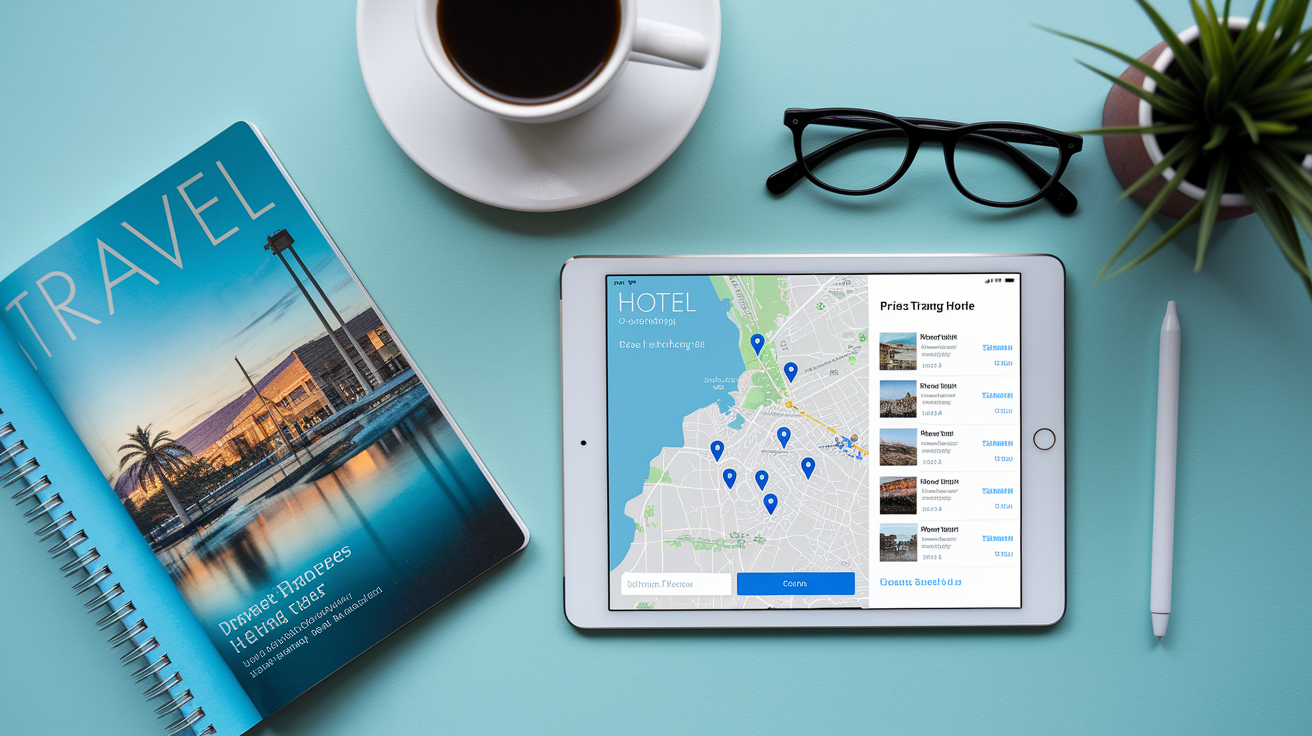
Hotel search starts with a destination and check-in/check-out dates. Filters let you narrow by price range, star rating, neighborhood, property type, and amenities like free Wi-Fi, parking, breakfast, pools, or pet-friendly rooms. The map view shows pins for every property so you can see what’s walkable to transit or attractions. Zoom in to focus on a specific district, or drag the map to compare pricing across neighborhoods.
Individual hotel price tracking launched on April 17, 2026 for signed-in users. On desktop, search for a hotel by name and toggle price tracking next to the rate. On mobile, find the toggle under the Prices tab after you’ve searched. The system sends email alerts in English or Spanish when rates shift significantly. This works globally, so you can monitor a single property you’re considering instead of getting alerts for every hotel in the city. If you book a refundable or changeable rate, track prices after booking so you can rebook lower if rates drop.
Rates displayed come from multiple booking partners, including the hotel’s direct site, OTAs, and aggregators. Compare the total cost across partners because taxes, resort fees, and cancellation policies vary. Some OTAs bundle perks like loyalty points or price-match guarantees. Others charge service fees that wipe out the savings. Always click through to the final booking page to confirm the all-in price before you commit. Avoid peak-pricing surprises by checking rates a few months out and setting price tracking early.
Six steps to get value from hotel search:
Use map filters. Zoom to your preferred district and set a max price to see only realistic options in that area.
Try flexible dates. Shifting check-in by one or two days can drop rates 20–30 percent, especially around weekends or events.
Read aggregated reviews. Google pulls reviews from multiple sources so you get a fuller picture than one platform alone.
Toggle price tracking. Sign in, find your top choice, and turn on tracking to catch rate drops before you book.
Compare booking partners. Check direct hotel site, OTAs, and aggregators side by side. Factor in fees and cancellation terms.
Watch price-trend indicators. Green labels flag lower-than-usual rates. Yellow or red suggest waiting or booking soon.
Google Travel Explore and Destination Recommendation Features

Explore shows the cheapest seven-day trip fares across the next six months on an interactive map. Open Explore from the main Google Travel page or enter a broad region or country and click Explore. Prices update as you zoom in or out, so you can start with “Europe” and narrow to “Portugal” or “Lisbon” to see how fares change by scope. This works well when you have flexible dates and want to see where you can go for the least money.
Ask Maps adds AI-assisted destination insights powered by Gemini and data from 500 million contributors. You can type questions like “campsites with hiking and wildlife sightings” or “sunset photography plus on-site amenities,” and Ask Maps returns contextual answers with amenity details, community tips, and nearby options. It’s available in the U.S. and India on Android, iOS, and desktop. From the results, you can add places to lists, make reservations through integrated booking partners, or navigate with one tap.
Five scenarios where Explore and Ask Maps help:
Budget trips with open destinations. You have a week off and a $500 flight budget. Zoom the Explore map to find the cheapest options from your home airport.
Flexible travel dates. You want to visit Japan but aren’t locked to specific dates. Scan six months of fares to spot the low weeks.
Regional scanning. You’re considering Southeast Asia but haven’t chosen a country. Zoom in to compare Thailand, Vietnam, and Indonesia fares.
Activity-specific search. You want a beach with snorkeling and family-friendly resorts. Ask Maps surfaces options with user reviews and photos.
Seasonal trip ideas. You’re free in October and wondering where fall colors or festivals align with low fares. Explore highlights regions and dates that match.
Google Travel Trip Organization: Saved Trips, Itineraries, and AI Mode
Saved Trips organizes all your bookings in one timeline. When booking confirmations hit your Gmail, Google parses the details and adds flights, hotels, rental cars, and event tickets to your itinerary automatically. You can view everything in chronological order, see reservation codes, check-in times, and confirmation links. This syncs across devices, so the itinerary on your phone matches what’s on your laptop.
AI Mode Canvas itinerary builder is available in the U.S. and lets you describe an ideal trip in plain language from the plus menu. Type something like “four-day wine country weekend with spa hotels and local dining,” and Canvas returns a custom itinerary with flights, accommodations, and attractions plotted on a map. You can refine with follow-up requests like “add a hiking day” or “swap the hotel for a boutique option.” Every change auto-saves to your AI Mode history so you don’t lose progress.
Maps and details stored in Saved Trips remain accessible offline once you’ve opened them while connected. Download your itinerary before a flight or a day without reliable signal, and you can still check reservation details, addresses, and saved locations. If you’re traveling with a group, share the itinerary link so everyone sees the same schedule and can suggest edits or additions.
Shareable itineraries make group planning simpler. Send a link to travel companions so they can view flight times, hotel addresses, and activity bookings in one place. Collaborative editing isn’t built in yet, so coordinate changes through messages or shared notes, then update the master itinerary yourself. For solo trips, sharing the link with a family member or friend back home gives them your schedule and contact details if you need help.
Google Travel On-the-Go Tools: Navigation, Transit, and Real-Time Info

Google Maps provides public transport directions, walking routes, and driving navigation in one app. Enter a destination and toggle between transit, walk, bike, or car to compare travel times. Transit directions show bus and train schedules, platform numbers, fare estimates, and real-time delays. Walking directions include street-view previews so you know what the corner looks like before you turn. You can save frequent destinations or search for amenities like “ATMs near me” or “pharmacies open now.”
Real-time flight updates arrive on your Android lock screen when you save a boarding pass to Google Wallet. The system pushes notifications for gate changes, delays, baggage-claim carousels, and boarding times. You don’t need to open the airline app or refresh email. Everything updates automatically as soon as the airline publishes changes. This works for flights you book directly or through OTAs, as long as the confirmation email hits your Gmail.
Digital ID passes created from passports are accepted at select TSA checkpoints. Scan your passport in Google Wallet to generate an encrypted digital ID. At supported checkpoints, tap your phone instead of handing over the physical document. You still need to carry your physical ID because not all checkpoints and airline staff accept digital versions yet. The feature’s rolling out gradually, so check TSA and airline policies before you rely on it exclusively.
Google Travel Safety, Requirements, and Practical Prep Features

Live Translate in the Translate app streams real-time translation through any pair of headphones for 70-plus languages. It preserves speaker tone and cadence, so conversations feel more natural than robotic text-to-speech. This is useful for asking directions, ordering food, or checking into hotels when you don’t speak the local language. The feature runs on Android and iOS and uses Gemini speech models to handle the translation layer.
Currency conversion, weather forecasts, visa requirement lookups, and travel advisories are accessible through Google Search or the Travel section. Type “visa requirements for Japan” or “weather in Lisbon next week” to get quick answers without leaving the planning flow. Some of these tools have regional availability limits. AI Mode features and Ask Maps restaurant booking are currently available in the U.S., with expansions to the U.K., India, Canada, and Australia for certain functions. Check feature availability for your home country and destination before you count on a specific tool.
Four safety and prep items to check before you leave:
Passport expiration and visa requirements. Many countries require six months of validity remaining. Check entry rules early.
Travel advisories for your destination. Government sites publish security, health, and entry updates. Review them a week before departure.
Weather forecast for trip dates. Pack layers or rain gear based on actual conditions, not seasonal averages.
Offline map downloads and key addresses. Save hotel, airport, and emergency contact locations to your phone before you lose signal.
Payments, Booking Logistics, and Refund Guidance in Google Travel

Google Flights and Hotels redirect you to airlines, hotel sites, or OTAs to complete bookings. Google doesn’t process the payment or issue tickets. Refunds, cancellations, and customer service are handled by whichever vendor you clicked through to. If you book directly with the airline, contact the airline. If you book through an OTA, contact the OTA. For U.S. departures booked directly with an airline at least seven days before travel, the DOT 24-hour full-refund rule applies, so you can cancel within 24 hours for a full refund with no penalty.
Price guarantees appear only when a price badge is visible on Google Flights. If the fare you book drops before departure, Google refunds the difference to Google Pay, typically within 48 hours after travel when the guarantee applies. This feature requires booking through Google where offered and is limited to specific routes and partners. If you don’t see the badge, the guarantee doesn’t apply, and you’ll need to monitor fares yourself or use the price-tracking toggle.
Travel insurance options appear during checkout on some airline and OTA booking flows. Google doesn’t sell insurance directly but links to partner offerings. Compare cancellation coverage, medical evacuation, trip interruption, and baggage loss terms before you add a policy. Cancellation policies vary widely. Refundable tickets cost more upfront but let you cancel for a full refund. Non-refundable tickets may allow changes for a fee, or they may be locked entirely. Basic-economy fares typically block all changes and cancellations, so read the terms before you book.
Advanced Google Travel Tools for Power Users

Seat selection details include expected legroom and onboard amenities. Typical economy seat pitch runs 30–31 inches. Premium economy stretches to around 38 inches. Budget carriers like Spirit offer 28 inches, while JetBlue provides 32 inches. That’s a four-inch difference that matters on long flights. Google Flights displays seat pitch estimates, Wi-Fi availability (free or paid), in-seat charging, and entertainment options before you book. Some Chrome extensions add seat-map previews and passenger reviews to help you choose the best row.
Baggage fee estimates let you calculate true trip cost. Budget carriers commonly charge $30–$60 each way for carry-ons. Basic-economy passengers may face $50–$65 carry-on fees at the gate if they bring more than a personal item. Upgrading from basic to regular economy at booking often costs around $40 versus a $60 gate fee. That’s a $20 net saving that also includes seat selection and earlier boarding. Use the “Bags” filter to specify one carry-on or one to two checked bags, and Google recalculates fares to show only options that meet your needs.
Layover planning follows minimum connection-time guidelines. Domestic same-airline connections need 45–60 minutes, but 90–120 minutes is safer if you’re checking bags or connecting in a large hub. Domestic to international connections benefit from 90–120 minutes to clear security again. International connections requiring customs should have 120–180 minutes. Google Flights lets you set minimum and maximum layover durations in the filters, and you can choose specific connecting airports if you prefer certain hubs.
Five pro-level planning strategies:
Search multiple airports simultaneously. Enter up to seven departure or arrival codes to surface cheaper routings from nearby cities.
Use the date grid to align cheapest days. Compare trip lengths and outbound/inbound combinations to find the lowest total fare.
Filter by emissions and seat amenities. Prioritize comfort and sustainability when prices are close. A few dollars can buy a better experience.
Track refundable fares after booking. Toggle price tracking on flexible tickets so you can rebook lower if rates drop before departure.
Monitor loyalty program earnings. Cross-reference Google Flights results with your frequent-flyer program to maximize points on partner airlines.
Final Words
In the action: you’re booking a flight, checking hotel rates, or plotting a weekend on the Explore map.
This guide gave quick steps for flight searches, hotel price tracking, map idea generation, AI-assisted itinerary building, and travel-day tools.
Follow three quick rules: add a 15-30 minute buffer for connections, enable price alerts, and save trips to sync across devices.
Try these features in google travel and you’ll have smoother bookings, fewer surprises, and more time to enjoy the trip.
FAQ
Q: Is Google Travel discontinued?
A: Google Travel is not discontinued and still operates, offering integrated access to Google Flights, Hotels, Explore, saved trips, plus newer features like AI Mode and hotel price tracking in supported regions.
Q: How do I access Google Travel and is there a Google Travel site?
A: You access Google Travel by visiting travel.google.com or using Google Search’s Flights, Hotels, or Explore links; sign in to enable saved trips, price tracking, and AI Mode where available.
Q: What is the trick to finding cheap flights?
A: The trick to finding cheap flights is flexibility: use Google Flights’ fare calendar and Explore map, search nearby airports, set price alerts, and book when price insights indicate a likely drop.